
Google Business Profile Detroit: The 2026 Guide to Setting Up and Ranking Your Listing

Before a customer ever opens your website, they see your Google Business Profile: the map pin, the star rating, the call button and the most recent reviews. For most Detroit area businesses, that is where the decision gets made.
This Google Business Profile Detroit guide walks through how to claim, set up and rank your listing, and how to avoid the mistakes that get Metro Detroit profiles suspended. One quick note: you may still hear it called Google My Business. It is the same tool, now named Google Business Profile.
Want the broader local SEO picture first? Start with our local SEO checklist for Michigan service businesses, then come back here for the deep dive on your profile.
Why Your Google Business Profile Matters for Detroit Businesses
For a local search like plumber in Warren or barbershop in Dearborn, Google shows the map results first. Those listings pull your hours, reviews, photos and phone number straight from your profile, so many customers call or ask for directions without ever visiting your site.
That makes your profile one of the most valuable free assets in your marketing. It also means mistakes cost you real calls, so the setup details below matter.
How Google Business Profile Detroit Rankings Work
Google says local results come down to three factors: relevance, distance and prominence.
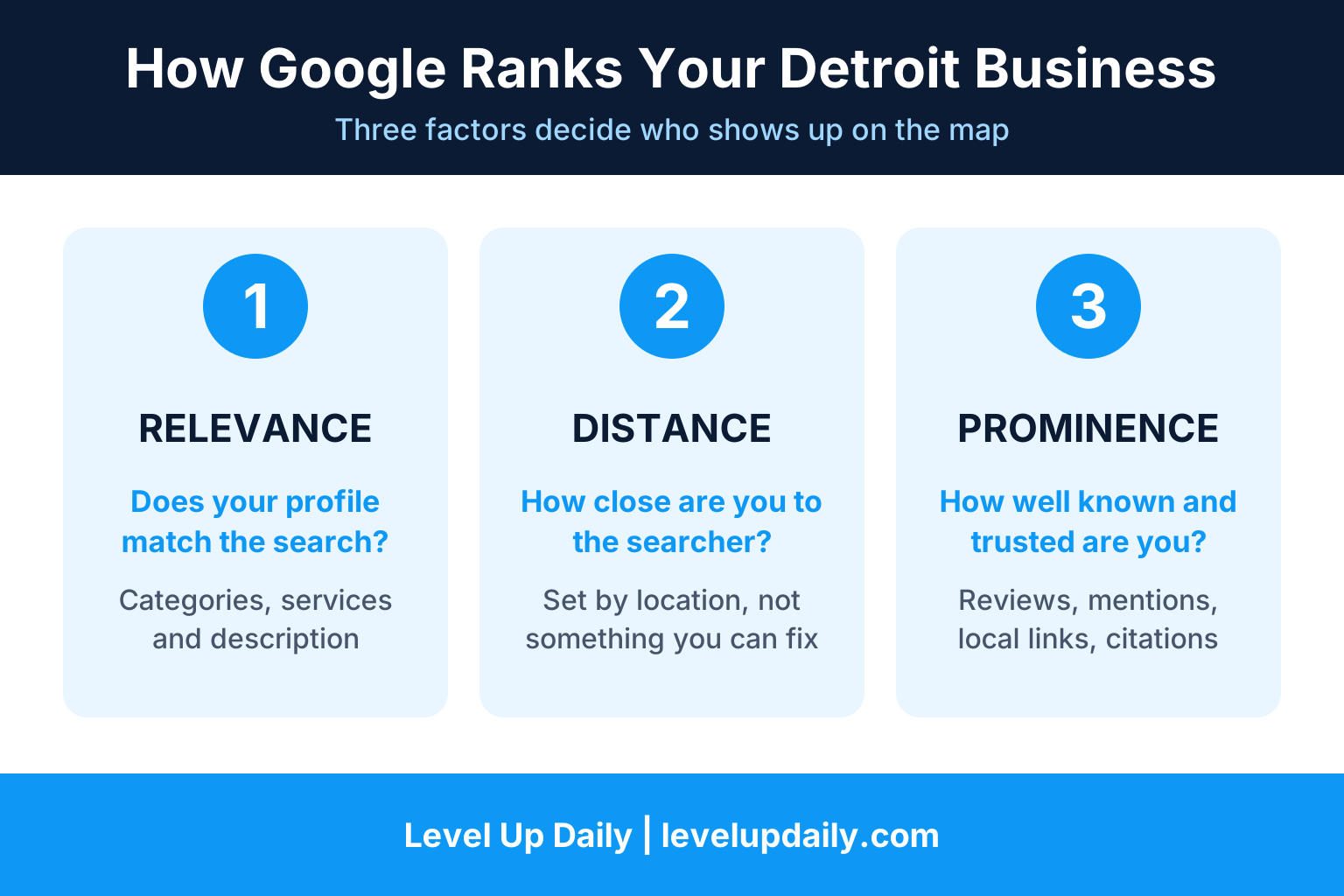
Relevance
How well your profile matches what the person searched. Your categories, services and description drive this.
Distance
How far you are from the searcher. You cannot change this, and a barbershop in Troy has a natural edge with people searching from Troy.
Prominence
How well known and trusted you are. Reviews, mentions, local links and citations feed this.
Two takeaways. First, since you cannot move your building, you win by being more relevant and more prominent than the competitor down the street. Second, the map results and the regular organic results run on different signals, so a blog post can help your website rank without moving your map position. Your profile, reviews and local mentions are what move the map.
Step 1: Claim and Verify Your Profile
Search your business name on Google Maps. If a profile already exists, claim it instead of creating a new one. Duplicates cause problems later.
Sign in with a business email you will keep, not a personal account or a former employee's login.
Complete verification. For most categories Google now uses video verification, so be ready to show your signage, your equipment and your work location on camera.
Hold off on big edits right after verifying. Changing your name, category and address all at once can trigger a review.
Step 2: Lock In Your Name, Address and Phone
Name: Use your real business name exactly as it appears on your signage and invoices. Adding keywords or words like Best, Top Rated or Affordable can get your profile suspended.
Address: Make it match your website footer, invoices and directory listings character for character.
Phone: Use a local number your team actually answers. If you use a call tracking number, keep your main local number as the additional phone.
Hours: Keep them accurate, including holiday hours.
Storefront or Service Area Business?
This is the choice that causes the most suspensions, so get it right.
Storefront (show your address). You serve customers at a staffed location the public can visit. Example: a barbershop or restaurant on a commercial street in Dearborn.
Service area business (hide your address). You travel to customers or have no public location. Example: a plumber working out of a home office in Warren. Hide the home address and list the cities you actually serve.
P.O. boxes, virtual offices and coworking desks are common suspension triggers, and so is creating extra fake locations to look bigger in a service area. A common guideline is to keep your service area within about two hours of driving from your base, so a Metro Detroit radius fits. List the cities you really cover, not every ZIP code on the map.
Step 3: Choose the Right Categories
Your primary category is the strongest relevance signal you control. Choose the narrowest accurate one, not the broadest. Plumber beats General contractor for a plumbing company, and Barber shop beats Beauty salon for a barbershop. Then add secondary categories for other services you genuinely offer. Never add a category for something you do not provide.
Step 4: Fill In Every Section
Services: List each service the way customers search for it.
Description: Write for people. Say what you do, who you serve and which areas you cover. No keyword stuffing.
Photos: Use real photos of your storefront, interior, team, vehicles and finished work, and add fresh ones regularly.
Links: Add your website, booking page or ordering link so people can act in one tap.
Step 5: Build a Review System
Reviews are the biggest lever you control. Google says more reviews and positive ratings can improve local ranking, and that replying shows you value feedback. A steady stream of recent reviews also tends to beat a big pile that stopped growing.
Ask every customer, every time, right after the job or visit while the experience is fresh.
Send the direct review link by text or email. Fewer clicks means more reviews.
Let customers write in their own words. When they mention the service and the neighborhood, that language reinforces your relevance.
Reply to every review, good or bad, within a couple of days. Keep replies to bad reviews calm and specific.
Never buy, fake or filter reviews.
Here is a text message you can copy:
Thanks for choosing [Business Name] today. If we earned it, a quick Google review helps other [Warren] homeowners find us. It takes 30 seconds: [link]
Step 6: Stay Active and Earn Local Mentions
Stay current. Update hours, services and photos as things change so the profile never looks abandoned.
Earn local mentions. Local links are the most underused prominence lever for small businesses. Think chamber of commerce membership, sponsoring a local team or event, partner pages from suppliers and neighboring businesses, and local press.
For more on building local authority, read our guide to SEO strategies that improve local search rankings.
What Gets Metro Detroit Profiles Suspended
A suspension pulls your listing out of Search and Maps. The cause is usually one of these:
Address mismatches between your profile, website and business documents
A service area business showing a home address
A virtual office, coworking or P.O. box address
Keywords or descriptors in the business name
Making many edits at once
A wrong or prohibited category
Duplicate listings for the same business
Reports from competitors or customers
If it happens, fix the cause before you appeal. An appeal on a profile that still breaks the rules gets denied.
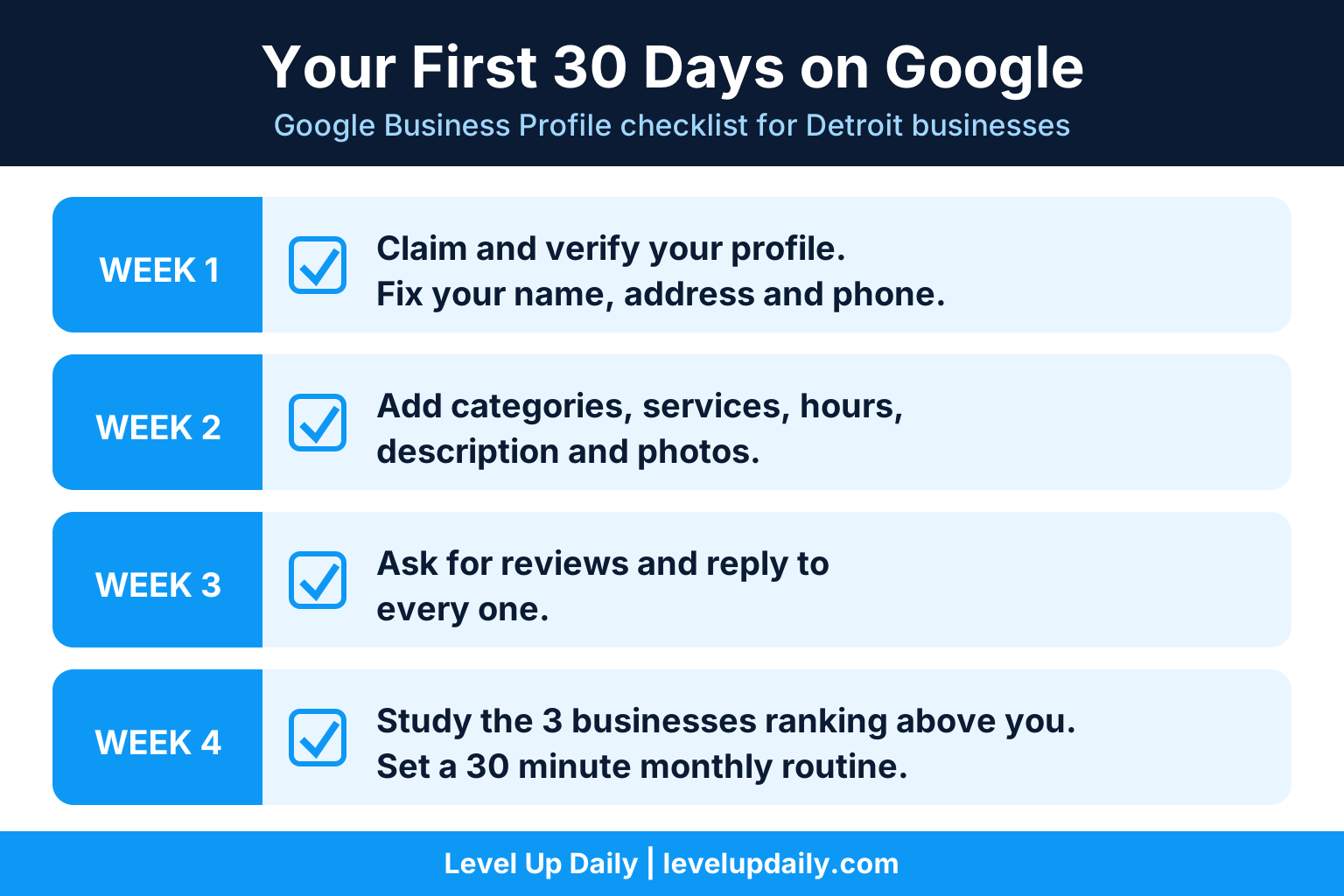
Google Business Profile Detroit Checklist: Your First 30 Days
Week 1: Claim and verify the profile, then fix your name, address and phone so they match your website.
Week 2: Set your primary and secondary categories, add services, hours and a clear description, and upload a full set of real photos.
Week 3: Launch your review request process and reply to every existing review.
Week 4: Study the three businesses ranking above you, note their review counts and photos, and set a 30 minute monthly routine to update and track.
Wondering what professional help costs? See what a digital marketing agency costs in Detroit before you decide.
How to Tell Whether It Is Working
Check calls, direction requests and website clicks in your profile's performance reports every month.
Add a UTM tag to the website link on your profile so those visits show up as their own source in Google Analytics.
Check your map position from a few different spots, not just your office, because results change with the searcher's location.
Compare your review count and how recently you earn reviews against the three businesses already in the map results.
Do Not Build a Profile for Every Suburb
Unless you have a real, staffed location in a suburb, a separate profile for Troy, Southfield or Ann Arbor will get flagged. Instead, list those cities in your service area, collect reviews from customers there, and build a page on your website for each area you serve.
For more on ranking across the region, see our Detroit SEO services guide.
Frequently Asked Questions:
Is a Google Business Profile free? Yes. Creating and managing your profile costs nothing.
How long until I rank? Fixing basics like categories and accuracy can show movement within weeks. Winning competitive searches in a dense market like Metro Detroit takes months of steady reviews and local mentions.
Do blog posts help my map ranking? Not directly. Map and organic results use different signals. Blog posts help your website rank in regular results and support relevance, while your profile, reviews and mentions drive the map.
How many reviews do I need? There is no magic number. Rating, total count and how recently you earn new reviews all matter, so aim for a steady flow instead of a one time push.
Can I show my home address? Only if customers actually visit you there. Service area businesses should hide a home address and list their service area instead.
What should I do if my profile gets suspended? Fix the cause first, such as the address, business name or category, then appeal with proof that your business is real and matches the listing. An appeal on a profile that still breaks the rules gets denied.
Ready to Get Your Google Business Profile Working?
If you would rather talk through your actual goals than guess, let's have that conversation.


Comments